Wireless Device Battery Monitor for Windows Taskbar
Wireless Device Battery Monitor displays battery percentages for your wireless mice, keyboards, headsets, and controllers directly on the Windows 10 and 11 taskbar without heavy background software.
The paper, point by point
The Wireless Battery Problem
Wireless mice, keyboards, and headsets often die unexpectedly. Checking their battery levels usually requires running heavy manufacturer software in the background.
A Lightweight Alternative
Wireless Device Battery Monitor brings all your peripheral percentages straight to your screen using a lightweight tray application.

Direct Communication
The app talks directly to your devices over USB or wireless receivers without needing resource-heavy background services.

Broad Hardware Support
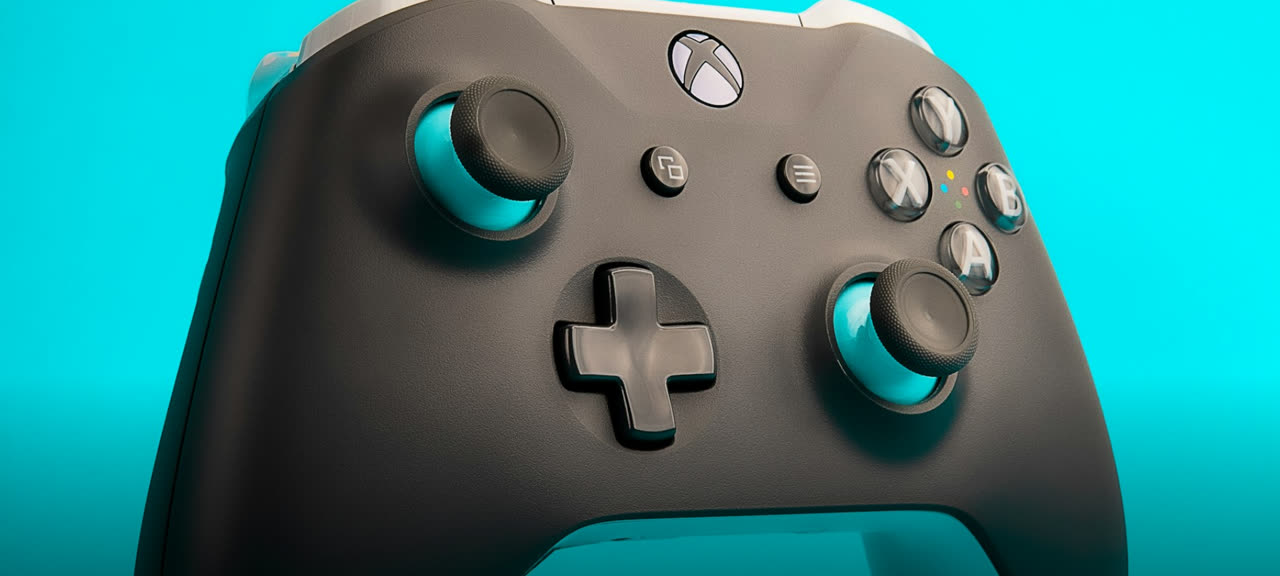
It supports Logitech, Razer, SteelSeries, Corsair, and game controllers right out of the box.
Tiny Resource Usage
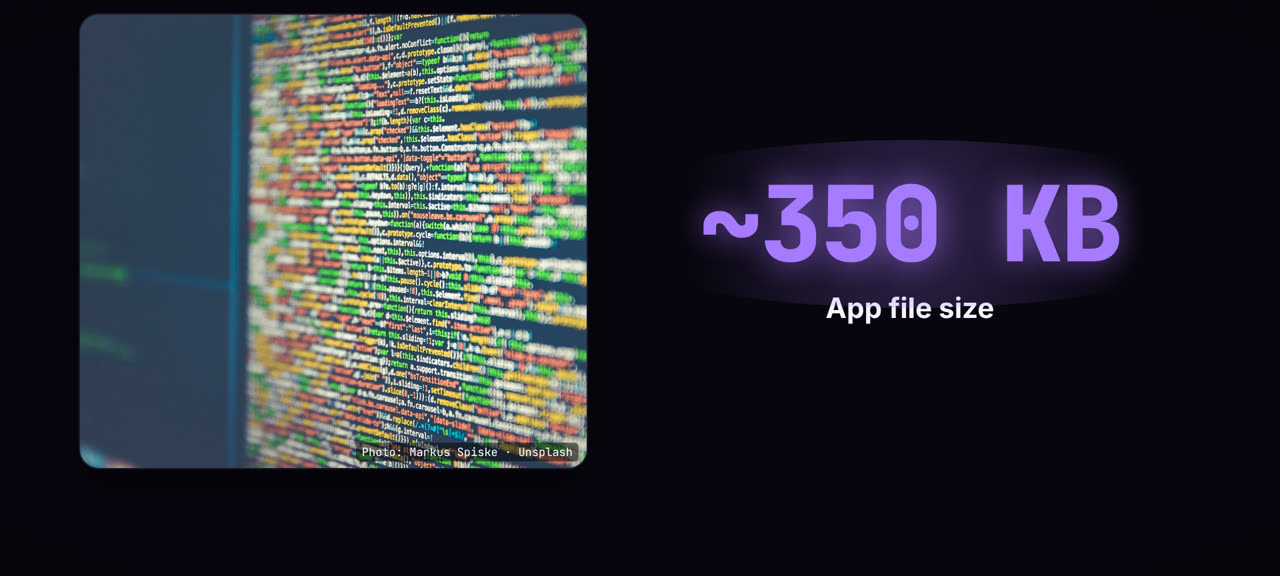
The application is extremely lightweight, with an app file size of ~350 KB and a RAM usage of about ~2 MB.
Easy Installation
Download the setup executable from the latest release on GitHub and run it to get started immediately.
Growing Community
Thousands of developers and users already rely on this open source tool, as shown by 2,918 GitHub stars.
Current Limitations
Some devices use undocumented protocols and are not supported yet, and the widget currently sits on the primary monitor only.
Watch the explainer
Watch on YouTube ShortsWatch on InstagramWatch on FacebookWatch on Threads
Music: "Carefree" Kevin MacLeod (incompetech.com), licensed under Creative Commons: By Attribution 4.0 — creativecommons.org/licenses/by/4.0/
How it works
- Download the setup executable or portable zip and run it with no admin rights required.
- The app automatically polls connected supported devices every 60 seconds or upon wake and plug-in.
Key numbers
Why it matters
Windows users can now track the battery levels of all their wireless peripherals at a glance without sacrificing system performance to bulky vendor apps. It provides a clean, unified solution for keeping devices powered.
Words to know
- HID
- Human Interface Device protocol used by keyboards, mice, and gamepads.
Made with Maya — an AI-assisted explainer with an AI voice. Numbers come from the source; check the paper for the full details.
Comments
Post a Comment