NeonClipping Turns Long Streams Into Vertical Clips Locally
NeonClipping is a free, open-source tool that processes long videos entirely on your machine to generate captioned vertical clips in seconds.
The paper, point by point
The Problem With Cloud Clippers
Manual scrubbing through long streams takes hours, and cloud clipping tools require expensive paid subscriptions or credits.
Meet NeonClipping
NeonClipping turns long videos into vertical, captioned clips locally with no account or subscription required.
Running Locally On Your Hardware
Everything runs directly on your machine. You do not need paid cloud subscriptions or expensive APIs.
Simple Installation And Setup
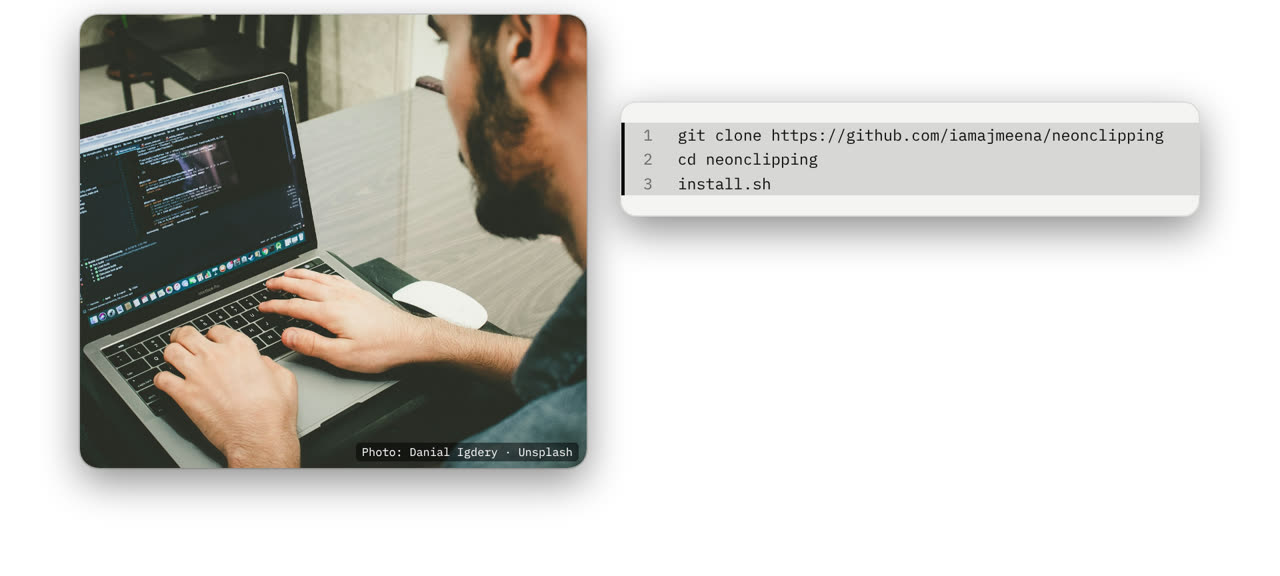
Install it easily and process your files without uploading anything to external servers.
Blazing Fast Processing Times
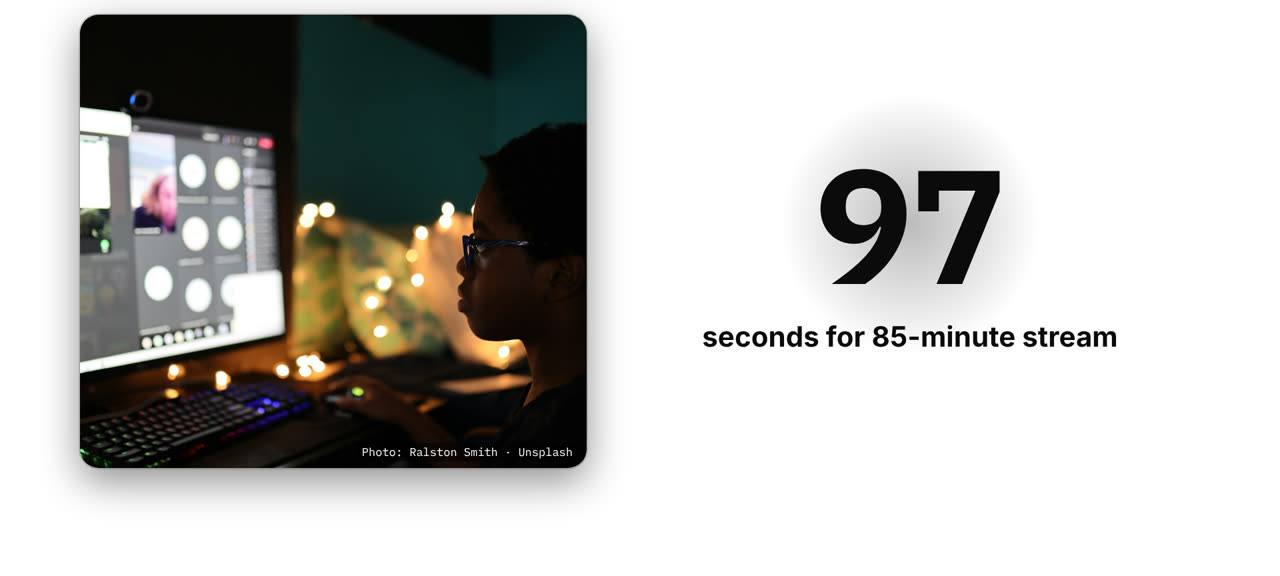
It processes a massive stream in just 97 seconds flat on local hardware.
Benefits For Content Creators
Creators save hours of manual editing and bypass cloud subscription fees entirely.
Watch the explainer
Watch on YouTube ShortsWatch on InstagramWatch on FacebookWatch on Threads
Music: "Carefree" Kevin MacLeod (incompetech.com), licensed under Creative Commons: By Attribution 4.0 — creativecommons.org/licenses/by/4.0/
How it works
- Provide a YouTube, Twitch, Kick link or local MP4 file.
- The engine scans audio loudness, transcripts, and optical flow to score candidate moments.
- Cuts the chosen segment, applies vertical layouts, and burns in animated word-timed captions.
Key numbers
Why it matters
Content creators and video editors can automate their short-form video workflow without relying on paid third-party services. By keeping everything local, user data and video files stay completely private.
Words to know
- Faster-Whisper
- A fast local speech-to-text transcription model.
- Ollama
- A tool to run open-source large language models locally.
Made with Maya — an AI-assisted explainer with an AI voice. Numbers come from the source; check the paper for the full details.
Comments
Post a Comment