Make Your MacBook Trackpad Talk Using Its Haptic Motor
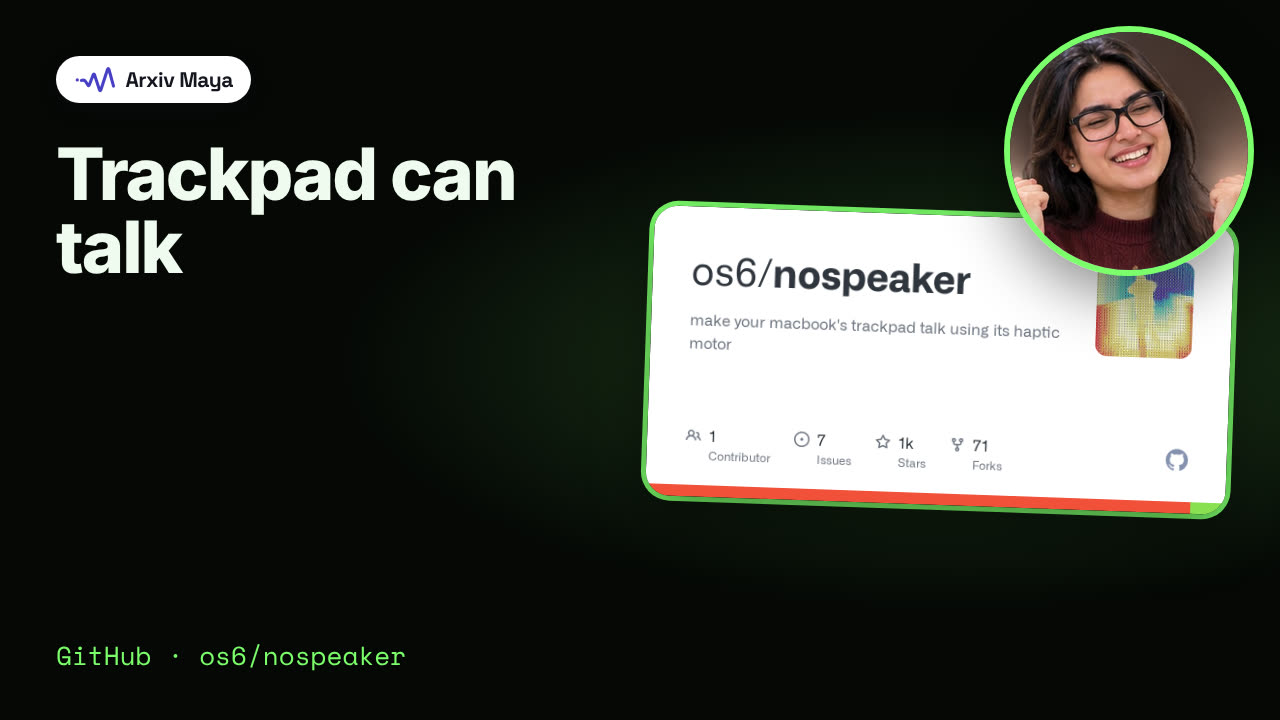
A small program drives a MacBook trackpad haptic motor up to 4,000 times a second to make it talk and sing without speakers.
The paper, point by point
Trackpads lack built-in speakers
MacBook trackpads are normally used only for standard haptic clicks. Apple public APIs only provide three fixed taps.
Turning haptics into sound
By vibrating the trackpad glass rapidly, the motor produces audible sound waves and speech without using actual speakers.

Driving the motor fast
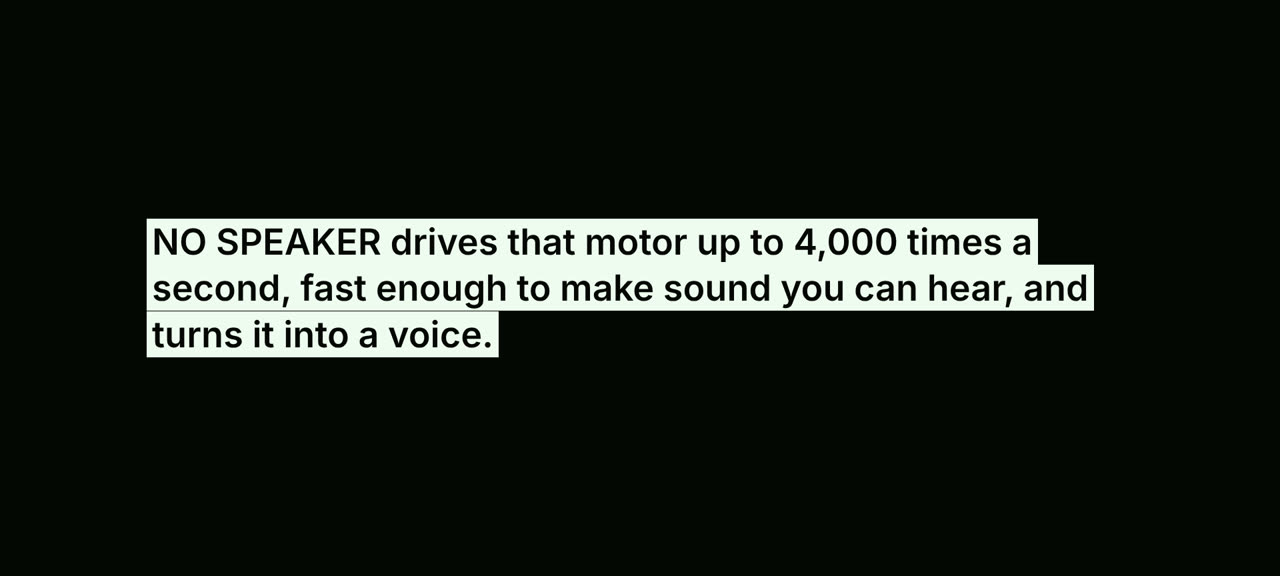
NO SPEAKER drives that motor up to 4,000 times a second, fast enough to make sound you can hear.
Running the tool easily
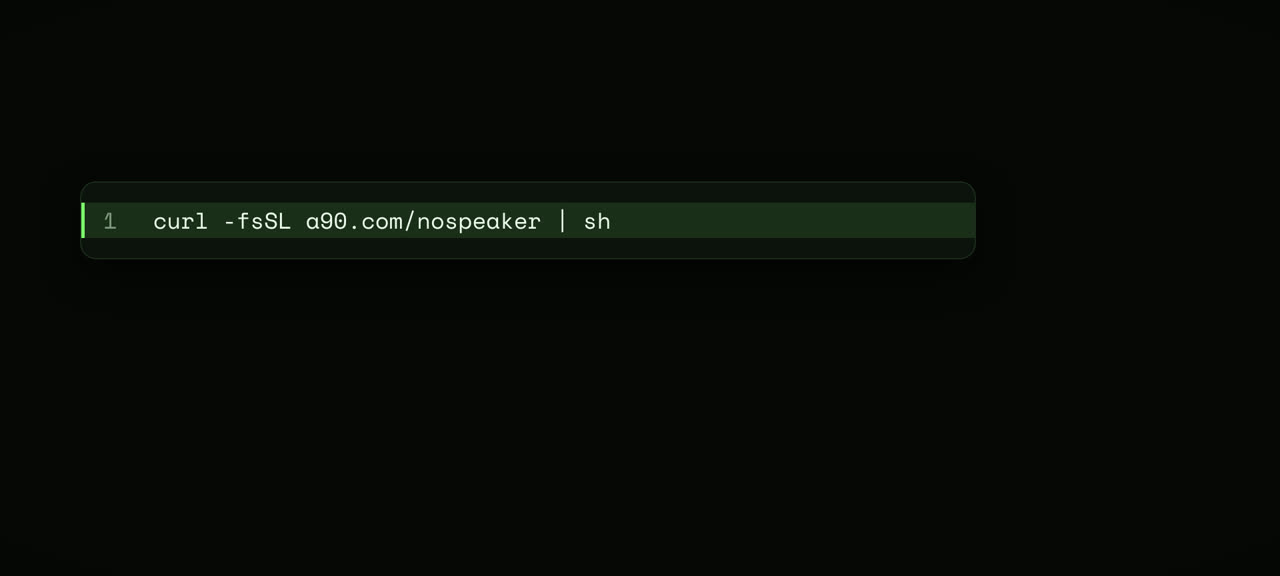
You can try it yourself by running a simple command directly in your terminal.
New hardware audio feedback
This project offers hardware audio feedback without using any standard speakers.
Watch the explainer
Watch on YouTube ShortsWatch on InstagramWatch on FacebookWatch on Threads
Music: "Airport Lounge" Kevin MacLeod (incompetech.com), licensed under Creative Commons: By Attribution 4.0 — creativecommons.org/licenses/by/4.0/
How it works
- macOS speaks the desired line into memory and extracts resonances and pitch.
- The private MultitouchSupport framework sends customized sine tone frequencies to the haptic motor.
Key numbers
Why it matters
Mac users and hardware enthusiasts gain a creative way to explore low-level haptics and unconventional audio output. It opens up new possibilities for accessibility testing and hardware hacking.
Words to know
- MultitouchSupport
- A private internal framework used by macOS to handle trackpad inputs and haptics.
Made with Maya — an AI-assisted explainer with an AI voice. Numbers come from the source; check the paper for the full details.
Comments
Post a Comment