Google Brings Computer Use Automation to Gemini on macOS
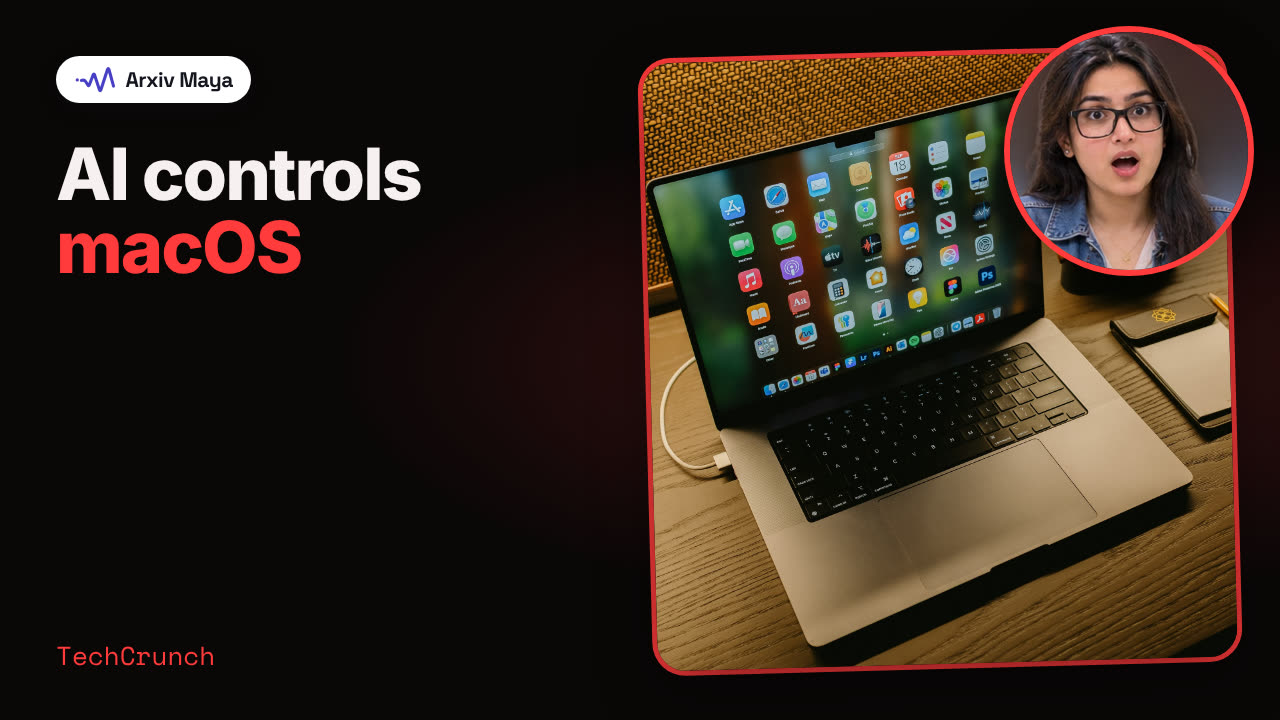
Google is bringing computer use capabilities to the Gemini desktop app on macOS. This allows the AI agent to complete tasks on your behalf by navigating native Mac apps and browsing websites.
The paper, point by point
Automate your boring Mac tasks
Your Mac can now do tedious and repetitive tasks for you while you focus on other work.
Gemini desktop app integration
Google brings computer use directly to the Gemini desktop application on macOS.
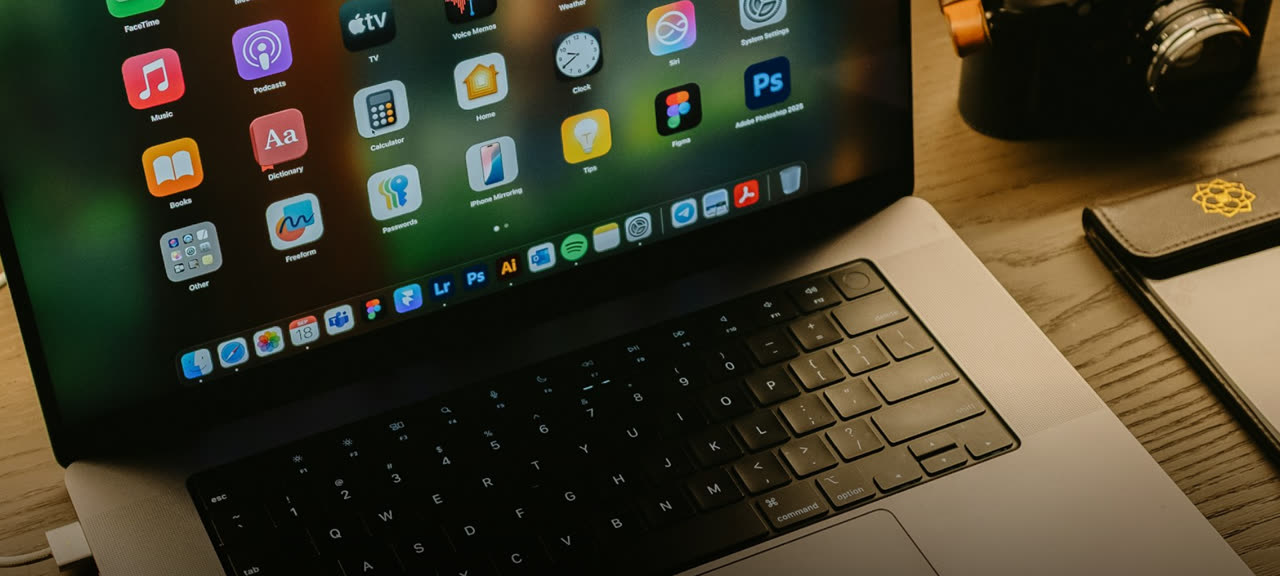
Navigating apps and websites
The AI navigates native Mac apps and browses websites in the background to get work done.
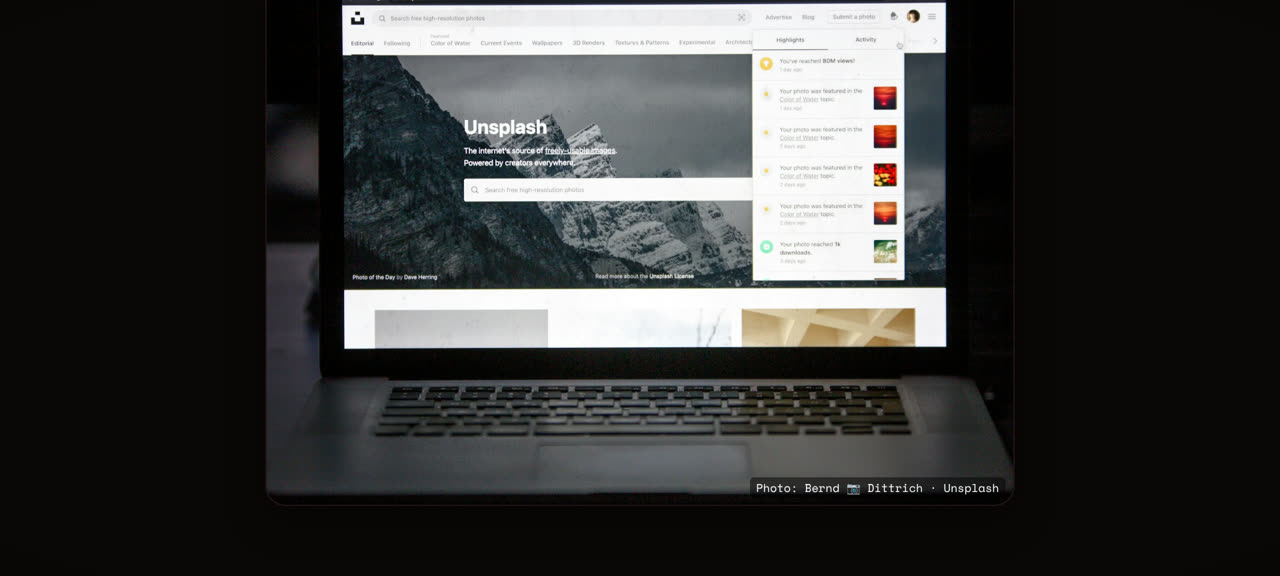
Live chat preview
You can watch the agent working in real time through a live chat preview on your screen.

User control and approval
Users can pause, stop, and approve actions before they happen to stay in control.

Handling tedious workflows
The system handles repetitive workflows like filling out forms or organizing files into folders.
Watch the explainer
Watch on YouTube ShortsWatch on InstagramWatch on FacebookWatch on Threads
Music: "Airport Lounge" Kevin MacLeod (incompetech.com), licensed under Creative Commons: By Attribution 4.0 — creativecommons.org/licenses/by/4.0/
How it works
- The user instructs the AI what they want to do in the Gemini Mac app.
- The agent works in a live preview in the chat while the user keeps their screen and cursor free.
- Users can pause, stop, and approve Gemini actions before they happen.
Why it matters
Mac users and people looking to automate repetitive desktop and web tasks can save time on chores like creating slideshows and organizing files. This shifts routine computer work from manual effort to automated assistance.
Words to know
- Gemini
- Google's AI assistant family.
- macOS
- Apple's operating system for Mac computers.
Made with Maya — an AI-assisted explainer with an AI voice. Numbers come from the source; check the paper for the full details.
Comments
Post a Comment