Essential Settings To Make Apple's iPhone Duo Easier To Use
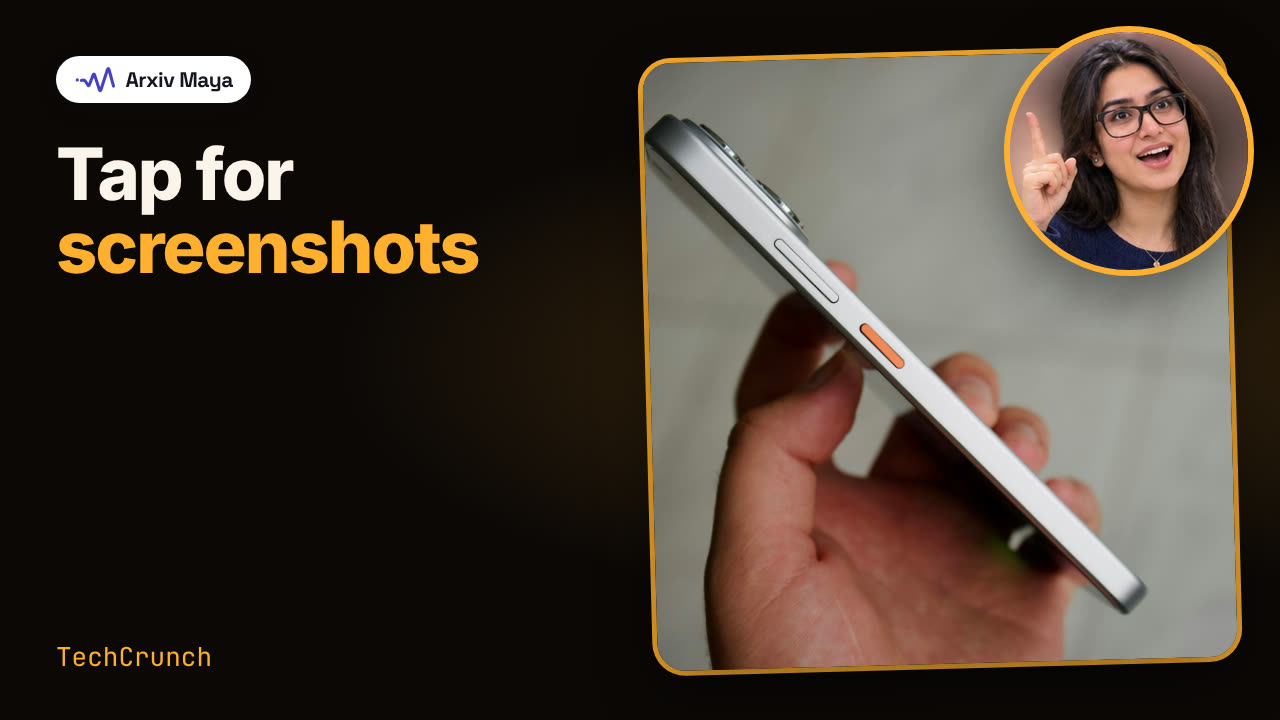
Apple's new foldable iPhone Duo requires new habits. By adjusting Touch ID, volume controls, and Back Tap settings, you can make the device much easier to use with one hand.
The paper, point by point
Meet The iPhone Duo
Apple's new foldable iPhone Duo replaces facial recognition with a side fingerprint sensor. You rotate and flip this device constantly between portrait and landscape modes.

Register Multiple Fingerprints
One registered thumb is no longer enough because you hold the foldable phone in many different orientations. Head to settings and register four fingers from both hands.

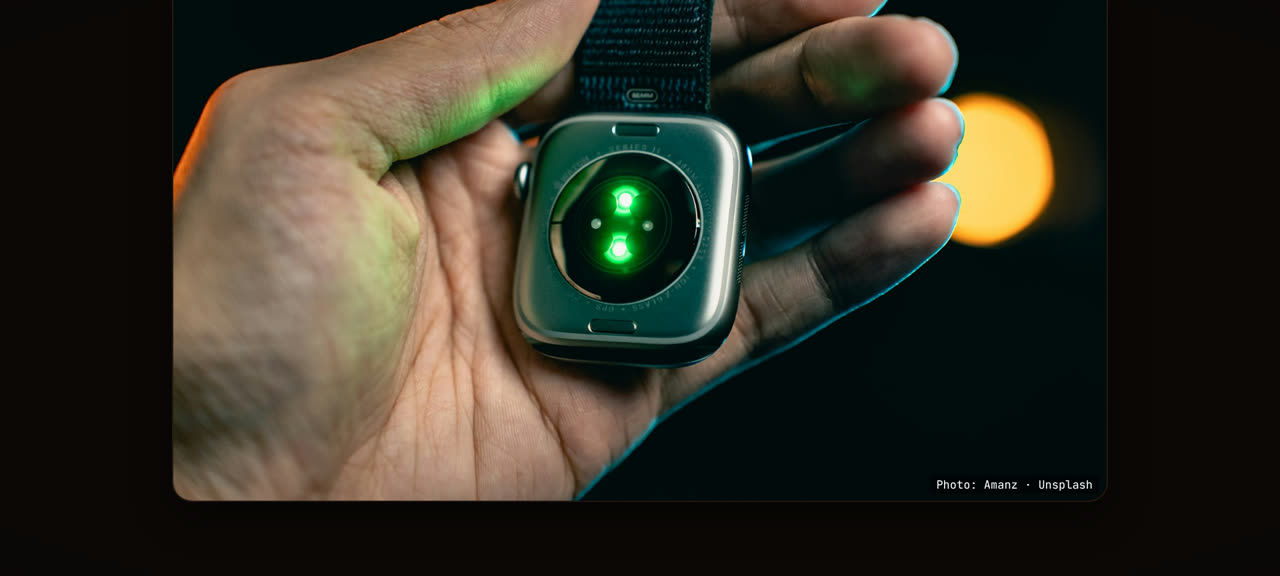
Unlock With Apple Watch
You can skip the physical sensor entirely when your Apple Watch is nearby. Enable watch unlock to bypass Touch ID quickly.
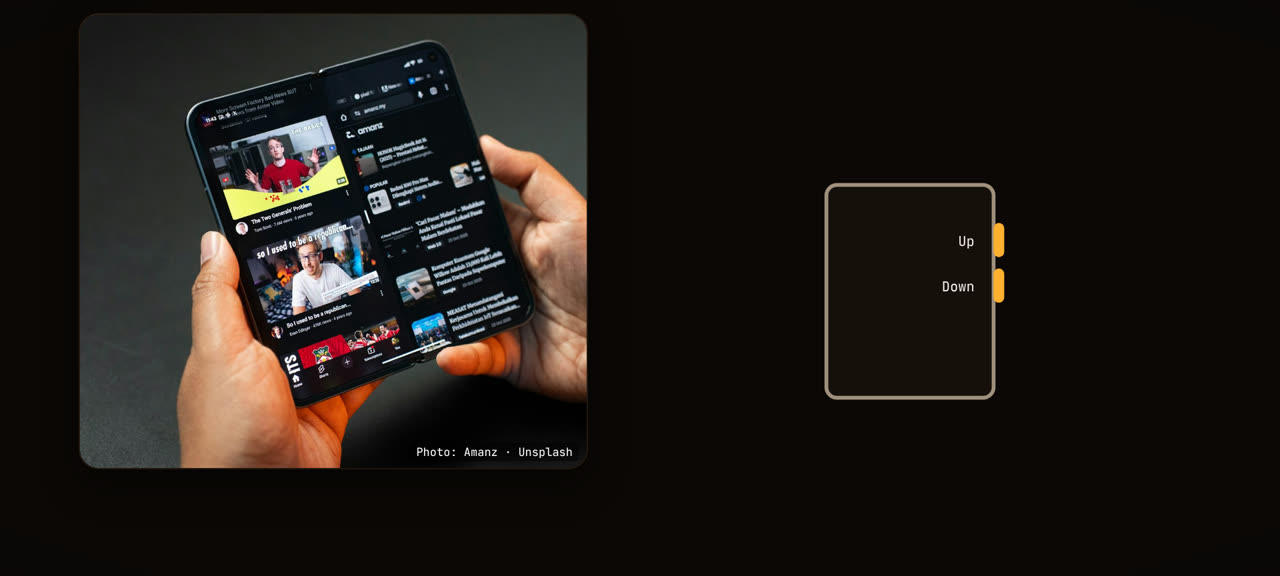
Fix Dynamic Audio
Disable fixed position volume controls in sound settings. That means the upper button stays volume up no matter which way you fold the device.
Take One Handed Screenshots
Taking screenshots with hardware buttons on this wide body takes two hands. Turn on Back Tap in accessibility to capture screens with a simple finger tap.
Adaptive Software Controls
Foldable hardware demands adaptive software controls that shift with your hands. Adjusting these settings makes using your new foldable phone faster and less frustrating.
Watch the explainer
Watch on YouTube ShortsWatch on InstagramWatch on FacebookWatch on Threads
Music: "Carefree" Kevin MacLeod (incompetech.com), licensed under Creative Commons: By Attribution 4.0 — creativecommons.org/licenses/by/4.0/
How it works
- Go to Touch ID settings and add extra fingerprints.
- Turn off fixed position volume controls in sound settings.
- Configure Back Tap in accessibility for screenshot shortcuts.
Why it matters
New iPhone Duo owners benefit directly from these tweaks by reducing everyday friction. Customizing these settings makes navigation smoother and improves one handed workflows on foldable screens.
Words to know
- Touch ID
- Apple's fingerprint recognition sensor.
- Face ID
- Apple's facial recognition system.
Made with Maya — an AI-assisted explainer with an AI voice. Numbers come from the source; check the paper for the full details.
Comments
Post a Comment