ChatGPT Can Now Turn Your Photos Into Animated GIFs
OpenAI's new Images 2.6 update for ChatGPT lets users turn any photo or text prompt into a custom animated GIF, complete with editing controls.
The paper, point by point
Static pictures can now move
Everyday photos are no longer frozen in time inside your chats. You can now bring static images to life.

OpenAI launches Images 2.6
OpenAI just released an upgrade called Images 2.6. This update introduces direct GIF creation and editing capabilities.
Animate photos and prompts
You can drop in any selfie, doodle, or text prompt to get an animated loop.
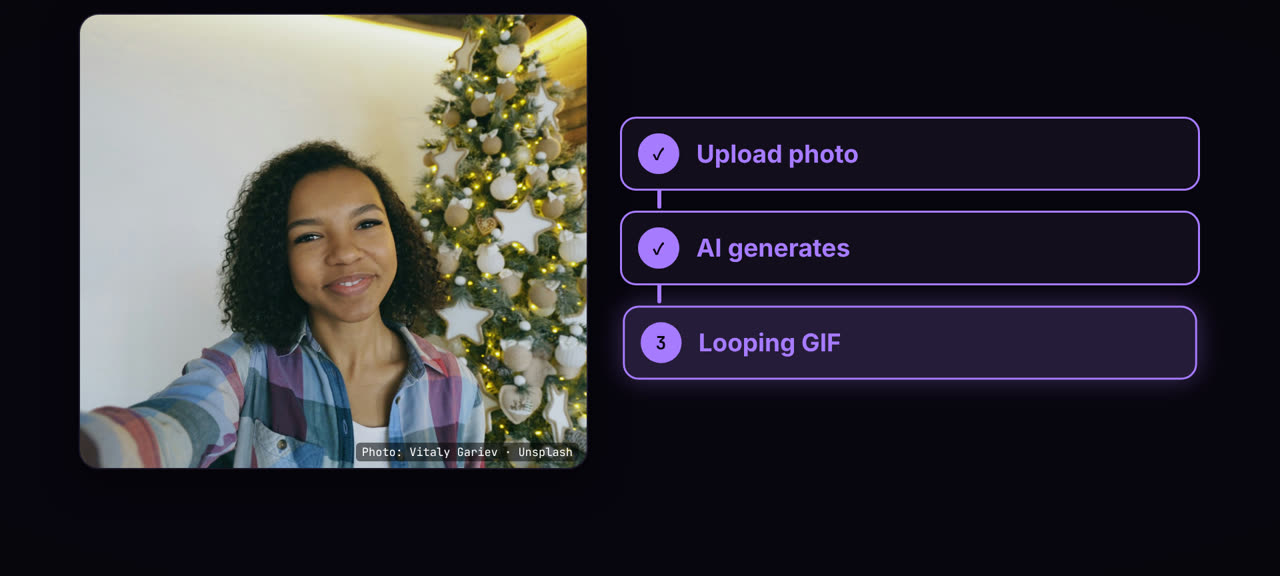
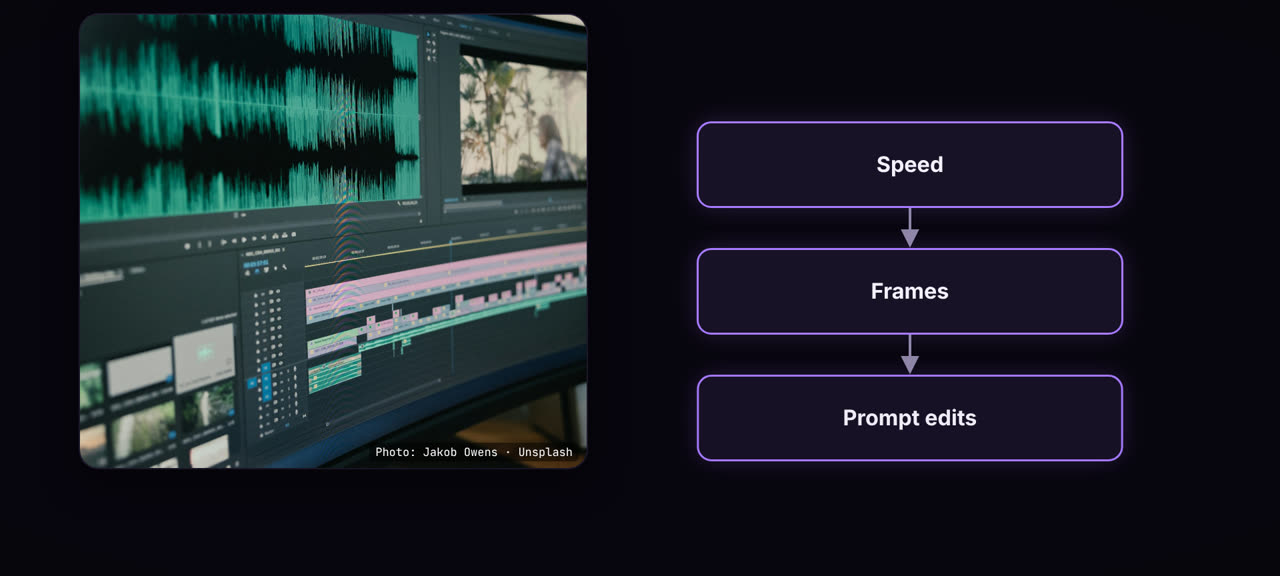
Edit speed and frames
Under the hood, you can adjust animation speed and tweak individual frames using plain text instructions.
Available for free users
The new tool has rolled out to all users, including those on the free tier.
Create custom reactions
You can transform your pet into a clay animation character or turn a doodle into a living sticker for daily messaging.
Watch the explainer
Watch on YouTube ShortsWatch on InstagramWatch on FacebookWatch on Threads
Music: "Carefree" Kevin MacLeod (incompetech.com), licensed under Creative Commons: By Attribution 4.0 — creativecommons.org/licenses/by/4.0/
How it works
- Upload a selfie, pet photo, or doodle, or write a text prompt.
- ChatGPT creates the GIF, allowing you to adjust animation speed or edit individual frames.
Why it matters
Chat users can now create personalized moving media instead of hunting for standard movie memes. This update makes custom animation accessible to everyone, including free tier users.
Words to know
- ChatGPT Images 2.6
- The latest image generation and editing version of ChatGPT.
Made with Maya — an AI-assisted explainer with an AI voice. Numbers come from the source; check the paper for the full details.
Comments
Post a Comment